

Groups & Profiles
Lunatic AI uses a three-level hierarchy: Organization → Group → Profile. Groups are logical divisions within an organization — think departments, client categories, or project teams. Profiles are individual LinkedIn personas, each with its own voice, content calendar, and post history. This structure lets you manage content for multiple people from a single account.
- Three-level hierarchy: Organization → Group → Profile
- Groups organize profiles into logical divisions (departments, clients, etc.)
- Each profile is an independent LinkedIn persona with its own voice and content
- Profile limits depend on your plan: 1 on Free/Pro, 5+ on Team
- Additional profile can be purchased on the Team tier
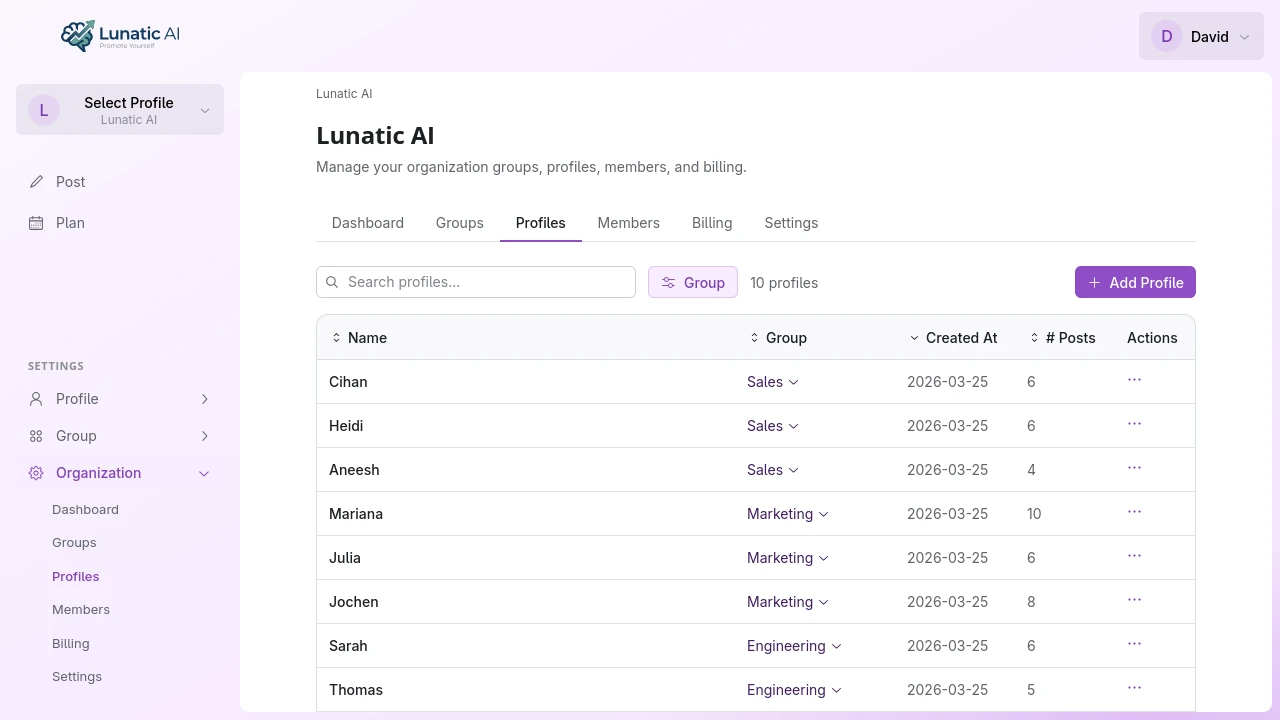 Organization page showing groups and profiles tabs
What are groups?
Groups are containers for organizing profiles. A marketing agency might create groups like "Tech Clients", "Finance Clients", and "Internal". A corporation might use "Executive Team", "Sales", and "Engineering."
Every organization starts with a "Default" group. You can create additional groups from the organization's Groups tab and assign members to specific groups when you invite them.
Groups have a name and an optional description. Like the organization description, the group description can be included as context during AI content generation — useful when the group represents a specific industry or audience.
What are profiles?
A profile represents one LinkedIn persona. It's where the actual content work happens. Each profile has:
- Voice profile — the AI's understanding of how this person writes
- Content calendar — planned and published posts on a timeline
- Post history — every draft, including version history and AI edits
- LinkedIn sync — imported profile data and synced posts
- Onboarding questionnaire — answers that shape the voice profile
- Style preferences — learned writing rules from editing patterns
Profiles are fully independent. Editing one profile's voice doesn't affect another, even within the same group. This is what makes Lunatic AI work for agencies and teams — each person gets their own writing fingerprint.
How many profiles can I have?
It depends on your plan:
The profile count is per organization, not per user. A Team org with 5 base profiles and 3 additional profiles can have 8 profiles total, spread across any number of groups.
How do I create a profile?
From the organization's Profiles tab, click Add Profile. Give the profile a name and select which group it belongs to. The profile is created immediately and you can start the onboarding questionnaire or sync a LinkedIn profile right away.
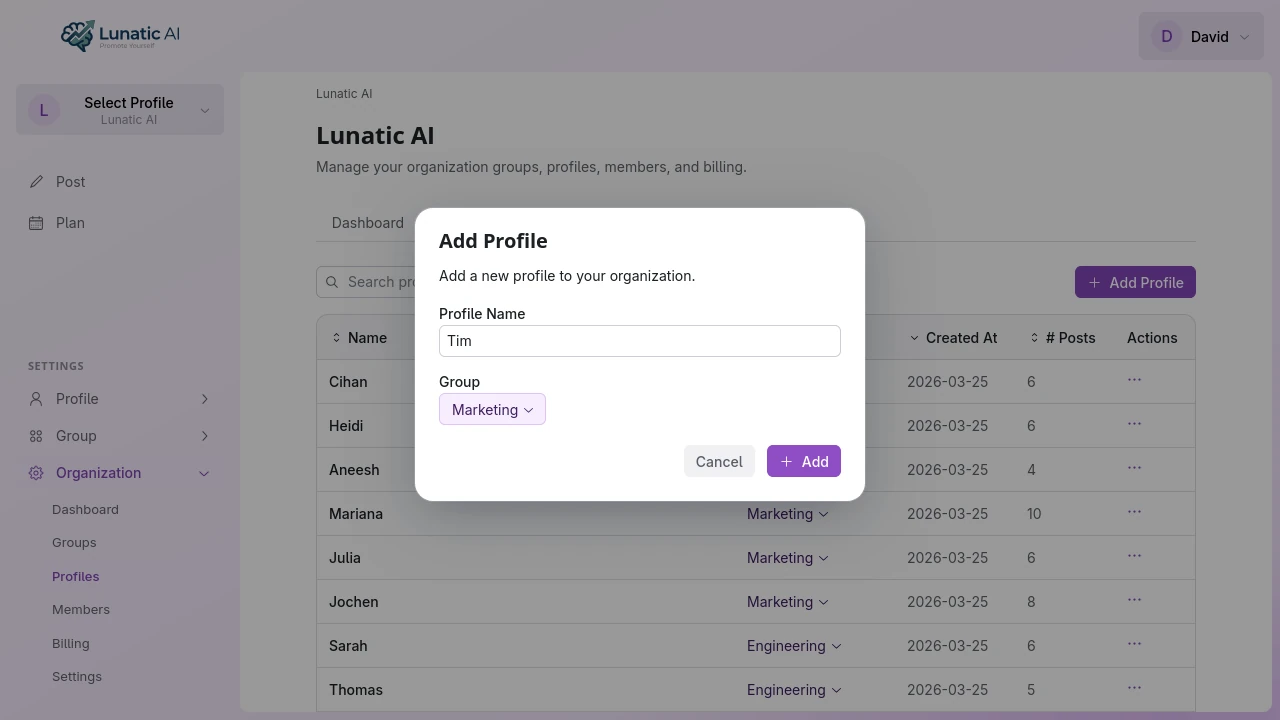 Add profile dialog with name input
You can also move profiles between groups later using the menu on the Profiles tab. Moving a profile doesn't affect its content — posts, voice, and history all stay intact.
What is the default profile?
Each organization member has a default profile. This is the profile the app navigates to when you open the organization — you can use this to bookmark the profile you work with most frequently.
Set your default from the Profiles tab by clicking the menu next to a profile and selecting Set as Default. If you only have one profile, it's your default automatically.
Can profiles be deactivated?
Yes. When a subscription change reduces your profile limit below the number of active profiles you have, you'll be redirected to a page asking you to choose which profiles to deactivate. This can happen after a downgrade, a seat reduction, or a cancellation.
Deactivated profiles keep all their data — posts, voice, history, everything. They just can't create new content until they're reactivated. When seats become available again (through an upgrade or additional purchase), you can reactivate deactivated profiles from the Profiles tab.
For agencies managing multiple clients, create one profile per client. Each gets its own voice, calendar, and post history — completely independent. Group them by whatever makes sense for your workflow.
Need more profiles?
Team plans start at 5 profiles with additional seats available. Enterprise is unlimited.
See Plans