

Quick Start Guide
You can go from zero to a finished LinkedIn post draft in under 10 minutes. This guide walks through every step: creating your account, building your voice profile, and generating your first post.
- Sign up for free — no credit card required
- Complete a 5-question voice questionnaire (~2 minutes)
- AI generates a voice profile from your answers
- Optionally sync your LinkedIn for a richer voice
- Plan content on the calendar or create posts directly
- Edit with AI or manually, preview the LinkedIn layout, copy and publish
Sign up
Go to the signup page and create your account with your name, email, and a password. No credit card. No LinkedIn account required. The free tier includes voice generation, post creation, AI editing, LinkedIn formatting and LinkedIn preview with no time limit.
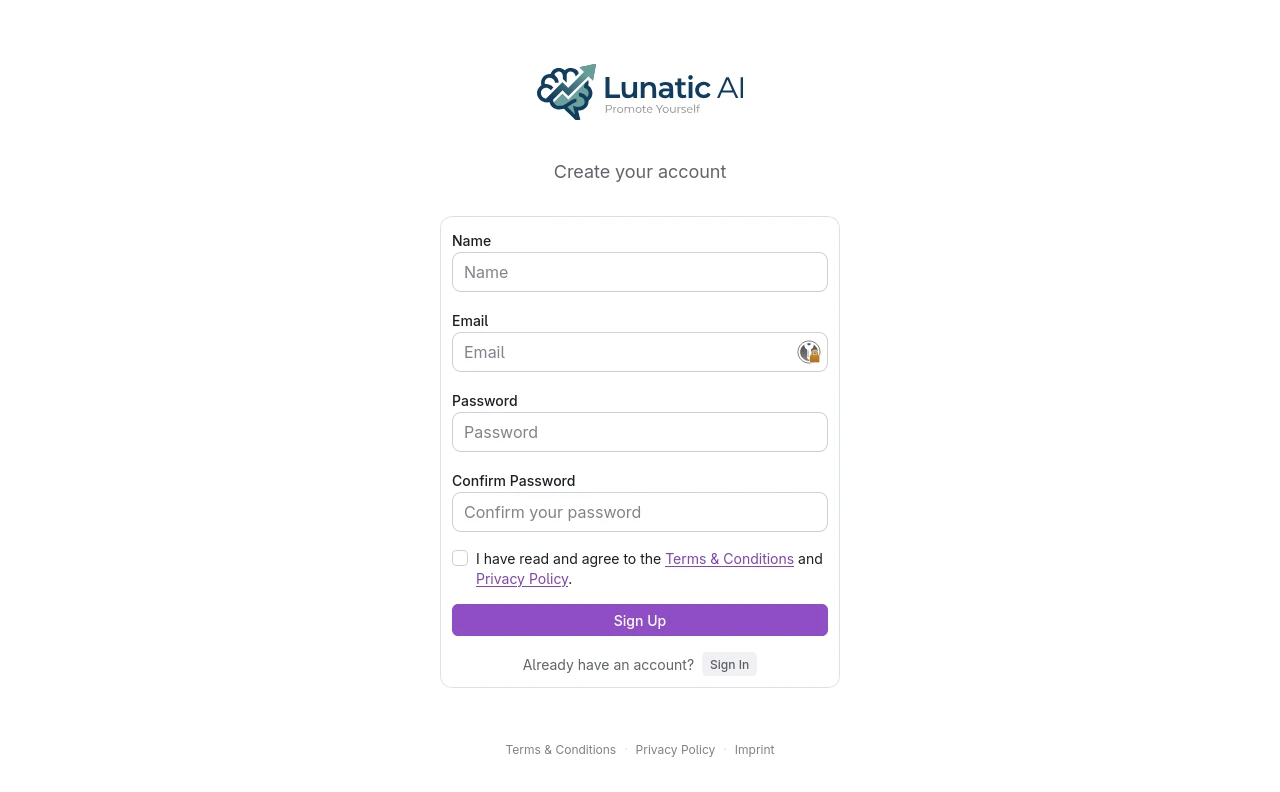 Lunatic AI signup page
Complete the questionnaire
Five questions. About 2 minutes. The questionnaire captures your writing preferences:
- Voice fit — conversational, formal, bold, analytical, or something else
- Length preference — one-liners, short posts, medium, long-form, or full articles
- Perspective — what angle you write from (builder, leader, educator, etc.)
- Avoidances — anything you don't want in your posts (optional)
- Anything else — your profession, experience, interests, hobbies (optional)
Your answers are the foundation for your AI voice profile. Be specific — "I'm a B2B SaaS founder who writes like I'm explaining things to a smart friend" gives better results than "professional tone."
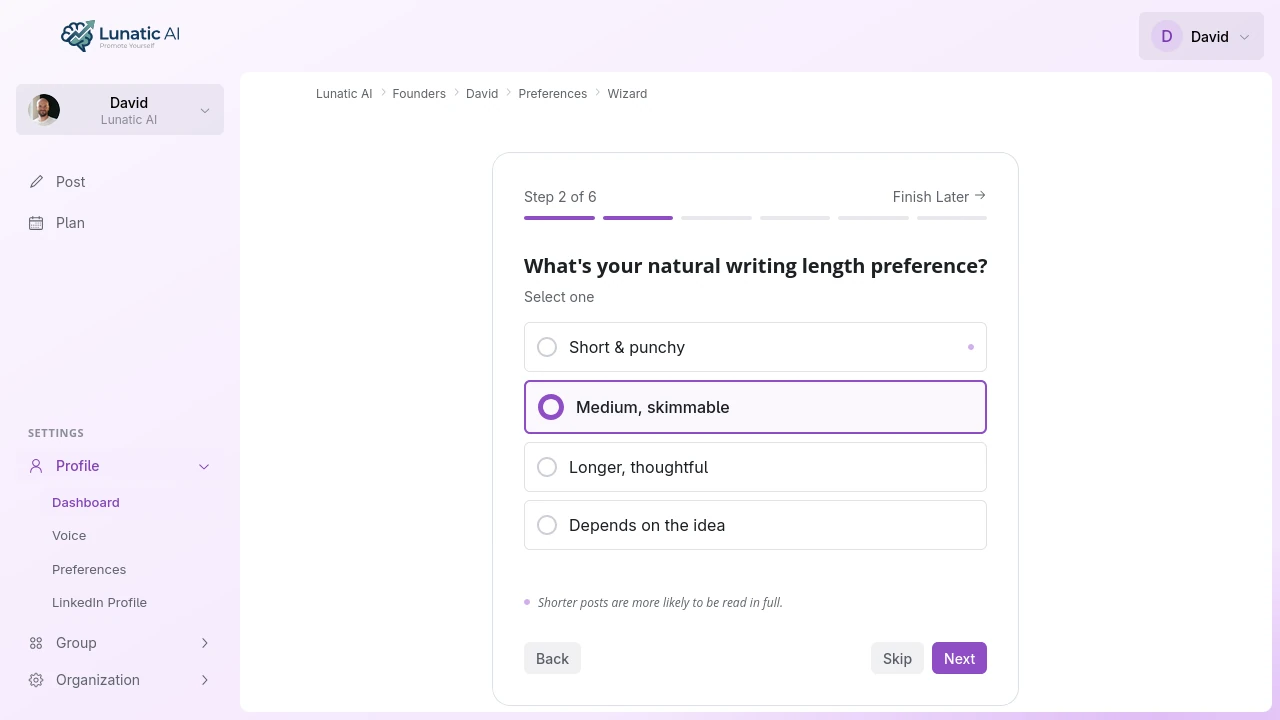 Voice style questionnaire with option cards
Generate your voice
After completing the questionnaire, Lunatic AI builds your voice profile automatically. This is a written description of how you write — your sentence structure, vocabulary, tone, and the patterns that make your writing yours.
You can read and edit the voice profile at any time from the Voice tab on your profile page.
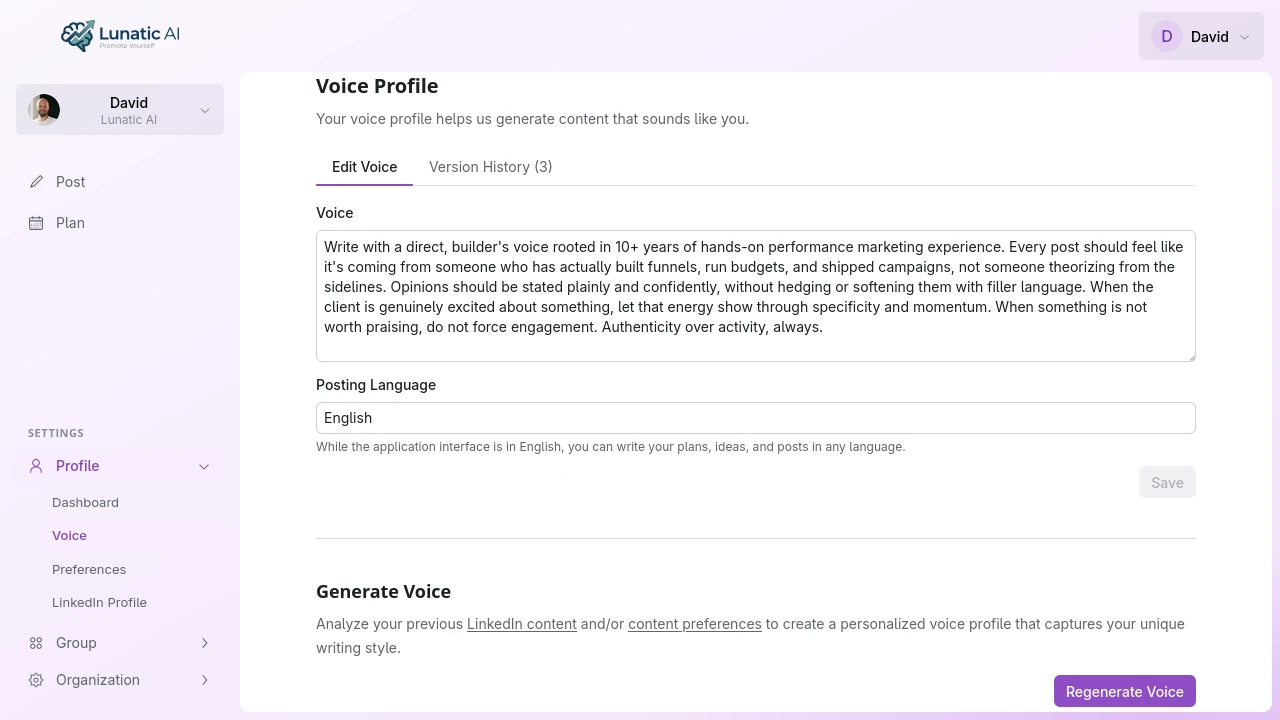 Generated voice profile text
Want a richer voice? Sync your LinkedIn profile from the LinkedIn Profile tab. The AI will analyze your existing posts alongside your questionnaire answers, producing a voice profile with more of your real writing patterns baked in.
Plan your content (Pro and above)
Open the content calendar from the Plan page. Click a date (or drag across a range), then set your goals and target audience. Add optional notes about what you want to cover.
The AI generates a batch of content ideas and places them on the calendar. Each idea includes a guiding question — a prompt to help you add your own expertise before the post is generated.
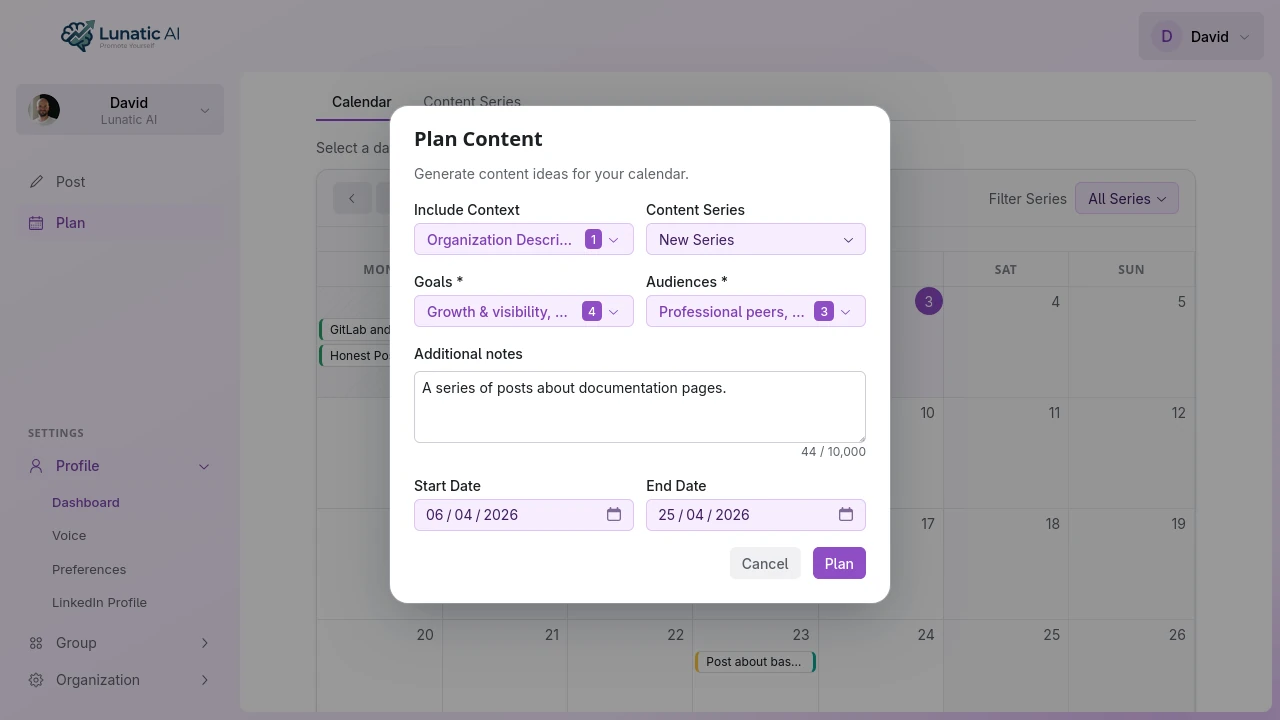 Content calendar showing generated ideas
Content planning requires a Pro plan (EUR 25/month) or higher. On the free tier, skip this step and create posts directly from the Posts page.
Create your first post
Click an idea on the calendar to open the post editor. Or go to Posts > Create and type your own idea from scratch.
If the idea has a guiding question, answer it — even a sentence or two gives the AI something concrete to work with. Then click Generate Post. The AI uses your voice profile to produce a draft.
Generation can take up to 30 seconds. The editor shows a progress indicator while it works.
Edit and refine
The post editor has three ways to refine your draft:
- Manual editing — type directly in the text area. A formatting toolbar lets you add bold, italic, lists, and other LinkedIn-compatible formatting.
- AI editing — click "Edit with AI" and describe what you want changed. Examples: "make the hook stronger", "shorten this to 3 paragraphs", "add a call to action." The AI rewrites the post while keeping your voice.
- LinkedIn preview — the right panel shows exactly how the post will render on LinkedIn, including line breaks and formatting. What you see is what your audience will see.
Every change is saved as a version. You can browse your version history at any time and restore any previous draft.
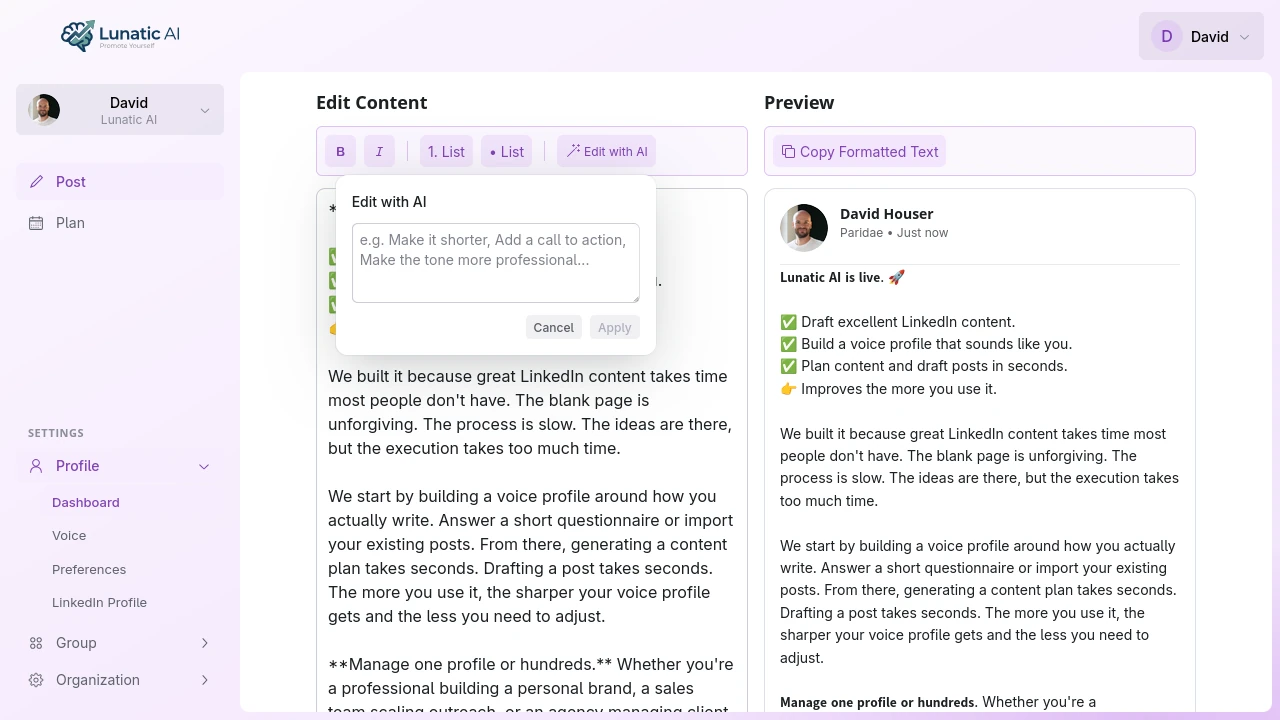 Post editor with LinkedIn preview
Copy and publish
When the post looks right, use the copy button on the LinkedIn preview panel. The text copies with all formatting preserved. Open LinkedIn, paste into the post composer, and publish.
The questionnaire alone is enough to generate your first voice profile and posts. LinkedIn sync improves voice quality but isn't required at any stage. You can always add it later from the LinkedIn Profile tab.
What's next?
Now that you have your first post, here are a few things worth exploring:
- Voice profile details — editing, regenerating, and version history for your voice
- Content calendar — planning weeks of content in a few clicks (Pro+)
- AI editing — the different ways to refine posts with AI assistance